Your bag is empty
Don't miss out on great deals! Start shopping or Sign in to view products added.
Shop What's New Sign in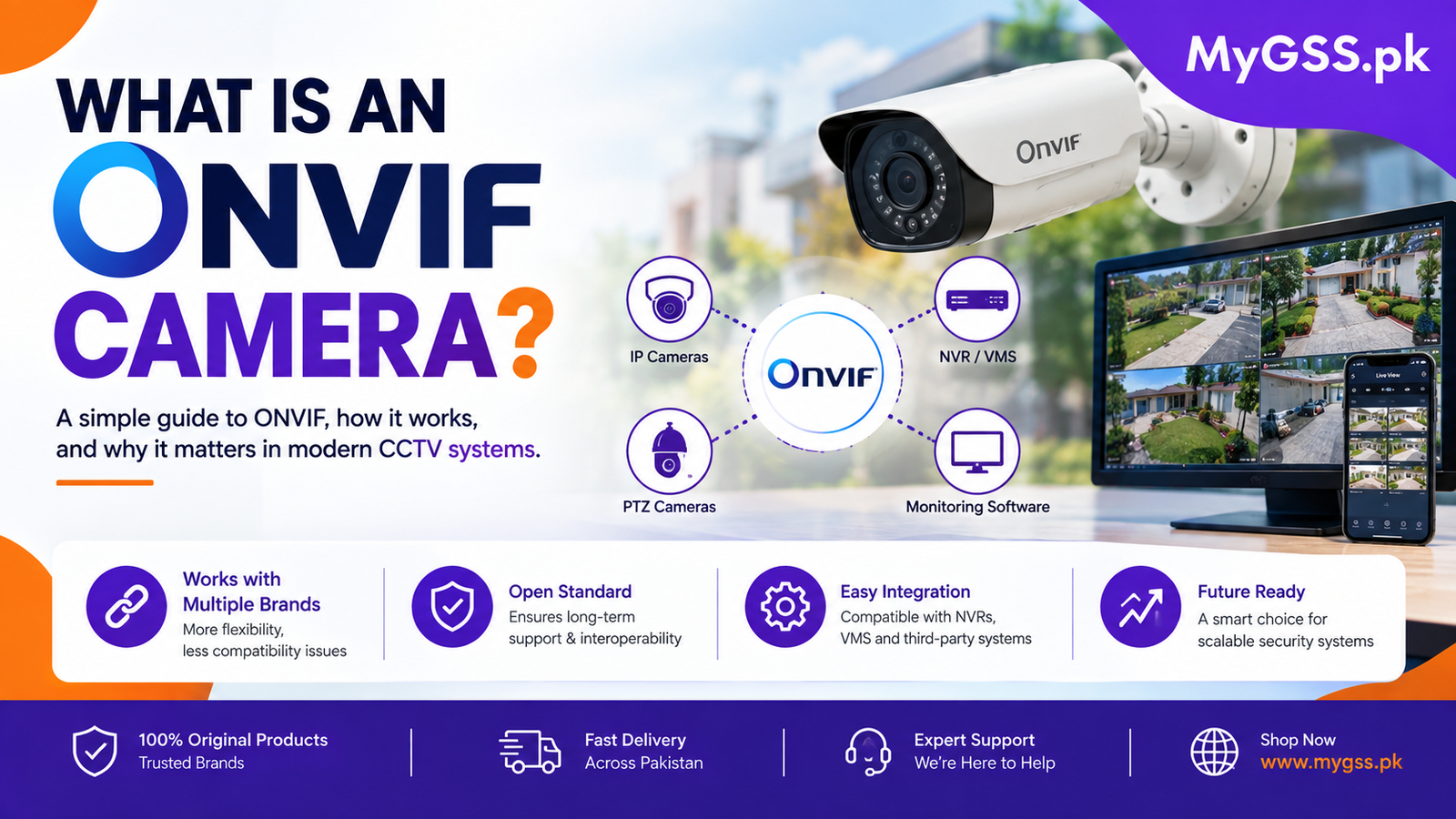
If you’ve been comparing security camera specifications, you’ve probably come across the term “ONVIF” listed as a feature — often without much explanation of what it actually means or why it matters. ONVIF is one of those details that seems technical but genuinely affects how flexible your camera system will be, especially if you ever want to mix brands or upgrade your setup later.
This guide explains exactly what ONVIF is, why it matters, and how to know if it’s relevant to your own setup.
ONVIF stands for Open Network Video Interface Forum — an industry standard created to make network video products from different manufacturers work together. It was originally developed by a group of major camera manufacturers specifically to solve a common problem: cameras, NVRs, and video management software from different brands often couldn’t communicate with each other, forcing buyers to stick with a single brand for their entire system.
An ONVIF-compliant camera follows this shared standard, meaning it can connect to and work with ONVIF-compliant recorders and software from other manufacturers, not just its own brand’s ecosystem.
Without ONVIF, a camera from Brand A typically only works properly with an NVR from Brand A. With ONVIF, you can mix and match — a Hikvision NVR can often work with an ONVIF-compliant Dahua or IMOU camera, for example, giving you far more choice when expanding or replacing parts of your system.
If you’re adding cameras to an existing NVR system over time, ONVIF support means you’re not locked into buying the exact same brand and model every time. This matters in Pakistan specifically, since exact models sometimes become unavailable or get replaced by newer versions, and ONVIF support means a suitable replacement doesn’t have to be an exact match.
If a manufacturer discontinues a product line or changes their software, an ONVIF-compliant system isn’t left stranded — since ONVIF is an open, shared standard rather than a proprietary one tied to a single company’s continued support.
ONVIF compatibility also allows your cameras to work with third-party video management software (VMS) beyond the manufacturer’s own app, which is particularly useful for larger commercial installations that need centralized management across many cameras from different brands.
| Factor | ONVIF-Compliant System | Proprietary (Closed) System |
|---|---|---|
| Brand mixing | Cameras and NVRs from different brands can often work together | Generally locked to one brand’s ecosystem |
| Long-term flexibility | Easier to replace or add components later | Harder to replace if a model is discontinued |
| Setup complexity | Slightly more configuration steps in some cases | Usually simpler, since everything is pre-matched |
| Best for | Larger, evolving systems; mixed-brand setups | Simple, single-brand setups that won’t change much |
ONVIF matters more if:
ONVIF matters less if:
Check the camera’s specification sheet or product listing for “ONVIF” listed as a supported protocol — it’s usually mentioned alongside other technical specs like resolution and storage support. If you’re unsure whether a specific camera and NVR combination will work together, it’s worth confirming both the ONVIF profile version supported (such as Profile S or Profile T) on each device, since different profiles support different feature sets.
Adding an ONVIF camera to an existing NVR generally involves entering the camera’s IP address and ONVIF port into the recorder’s device management menu, rather than the simpler QR-code pairing used by standalone WiFi cameras. If you’re setting up a new camera and want a walkthrough for your specific brand’s app and configuration steps, our step-by-step setup and configuration guides cover the process for IMOU, EZVIZ, VStarcam, V380, TP-Link, Hikvision, and Dahua devices.
One advantage of an ONVIF-based NVR setup is centralizing storage across cameras from multiple brands onto a single hard drive, rather than managing separate SD cards per camera. Before adding more cameras to an existing system, it’s worth checking that your NVR’s hard drive has enough room — you can use the storage calculator on our homepage to estimate how much capacity you’ll need based on your camera count, resolution, and how many days of footage you want to retain.
Mixed-brand ONVIF setups, particularly larger ones involving multiple NVRs or a commercial property, can involve more configuration than a typical single-brand system. If you’d rather not handle IP addressing, port configuration, and brand compatibility checks yourself, you can find a verified CCTV installer near you who can set up a properly configured ONVIF system for your property.
Is ONVIF a brand or a company? No. ONVIF (Open Network Video Interface Forum) is an industry standard, not a company or product brand. It was created collaboratively by several major camera manufacturers to standardize how network video devices communicate with each other.
Can I connect any camera brand to any NVR if both support ONVIF? In most cases, yes, as long as both devices support a compatible ONVIF profile. However, some advanced features (like specific AI detection types) may not transfer across brands even with ONVIF support, since those features can be proprietary on top of the base ONVIF standard.
Do WiFi cameras need to be ONVIF compliant? Not usually. Standalone WiFi cameras managed entirely through their own brand’s app (like IMOU Life or EZVIZ App) don’t typically need ONVIF, since you’re not connecting them to a separate third-party NVR. ONVIF becomes more relevant with wired IP camera and NVR systems.
What’s the difference between ONVIF Profile S and Profile T? Profile S covers basic streaming, PTZ control, and audio, and is the most commonly supported profile. Profile T adds more advanced video streaming features, including support for H.265 compression and better motion metadata. Check both your camera and NVR’s supported profile before assuming full compatibility.
Will an ONVIF camera work with a non-ONVIF NVR? Generally no — both the camera and the recorder (or software) need to support ONVIF for the compatibility benefits to apply. A non-ONVIF NVR will typically only work reliably with cameras from its own brand.
You can browse our range of wifi camera and 4G camera options, along with complete CCTV kits and NVR systems, on our security cameras category page. Not sure whether a specific camera and NVR combination will work together for your setup? Our team offers free WhatsApp and phone support to help you check compatibility before you buy.