Your bag is empty
Don't miss out on great deals! Start shopping or Sign in to view products added.
Shop What's New Sign in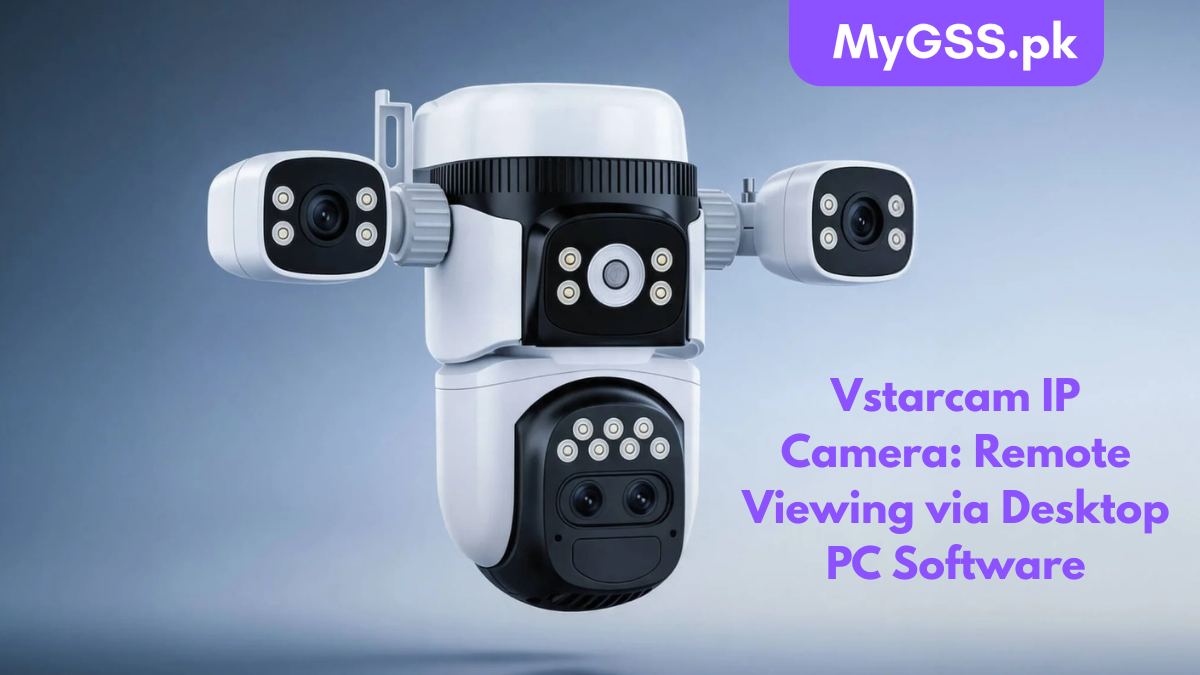
Vstarcam IP cameras are designed to let you monitor your home, office, warehouse, or shop from anywhere in the world. While most users access their cameras through a smartphone, many prefer remote viewing on a desktop PC for a larger screen, easier camera management, and continuous monitoring.
In this guide, we’ll explain how to remotely access your Vstarcam IP Camera on Windows PC using the official desktop software, along with setup instructions, troubleshooting, and expert tips.
If you’re looking for genuine Vstarcam WiFi Cameras in Pakistan, visit MyGSS.pk for the latest models, accessories, and technical support.
Using a PC offers several advantages over mobile viewing.
Monitor multiple cameras simultaneously without constantly switching screens.
Security guards and office administrators can monitor all cameras from a single workstation.
Keep the monitoring software running throughout business hours.
Configure settings, playback recordings, and manage multiple cameras more efficiently.
Before setting up remote viewing, make sure you have:
Download and install the official Vstarcam CMS (Eye4) on your Windows computer.
The software allows you to:
After launching the software:
Within a few seconds, your camera should appear online.
Double-click your camera.
You can now view:
Everything works through Vstarcam’s secure cloud servers, meaning you don’t need complicated port forwarding in most cases.
One of the biggest advantages of the desktop software is multi-camera viewing.
You can monitor:
The CMS software supports viewing several cameras simultaneously depending on your computer’s hardware.
Besides live viewing, you can also access recorded footage.
Features include:
The desktop software lets you configure many settings remotely.
Examples include:
Most modern Vstarcam cameras support desktop remote viewing, including:
At MyGSS.pk, you’ll find the latest Vstarcam models with local warranty and support.
For smooth remote viewing:
| Resolution | Recommended Upload Speed |
|---|---|
| 720P | 2 Mbps |
| 1080P | 5 Mbps |
| 2K | 8 Mbps |
| 3MP | 10 Mbps |
| 5MP | 15 Mbps |
A stable internet connection significantly improves streaming quality.
Possible causes:
Restart the camera and router.
If login fails:
Possible reasons:
Update your PC and install the latest CMS version.
To improve performance:
Always protect your surveillance system by following these best practices:
Choosing an authorized local seller ensures a better experience.
Benefits include:
Whether you need a single home camera or a complete surveillance solution, MyGSS.pk offers expert assistance to help you choose the right model.
Yes. Vstarcam provides official desktop software that allows live viewing, playback, and camera management.
Yes. Remote viewing through the official Vstarcam platform is generally free for supported cameras.
In most cases, no. Vstarcam’s cloud connectivity allows remote access without manual router configuration.
Yes. The desktop software supports managing and viewing multiple Vstarcam cameras simultaneously.
Yes. As long as both the camera and your computer have internet access, you can monitor your camera from anywhere in the world.