Your bag is empty
Don't miss out on great deals! Start shopping or Sign in to view products added.
Shop What's New Sign in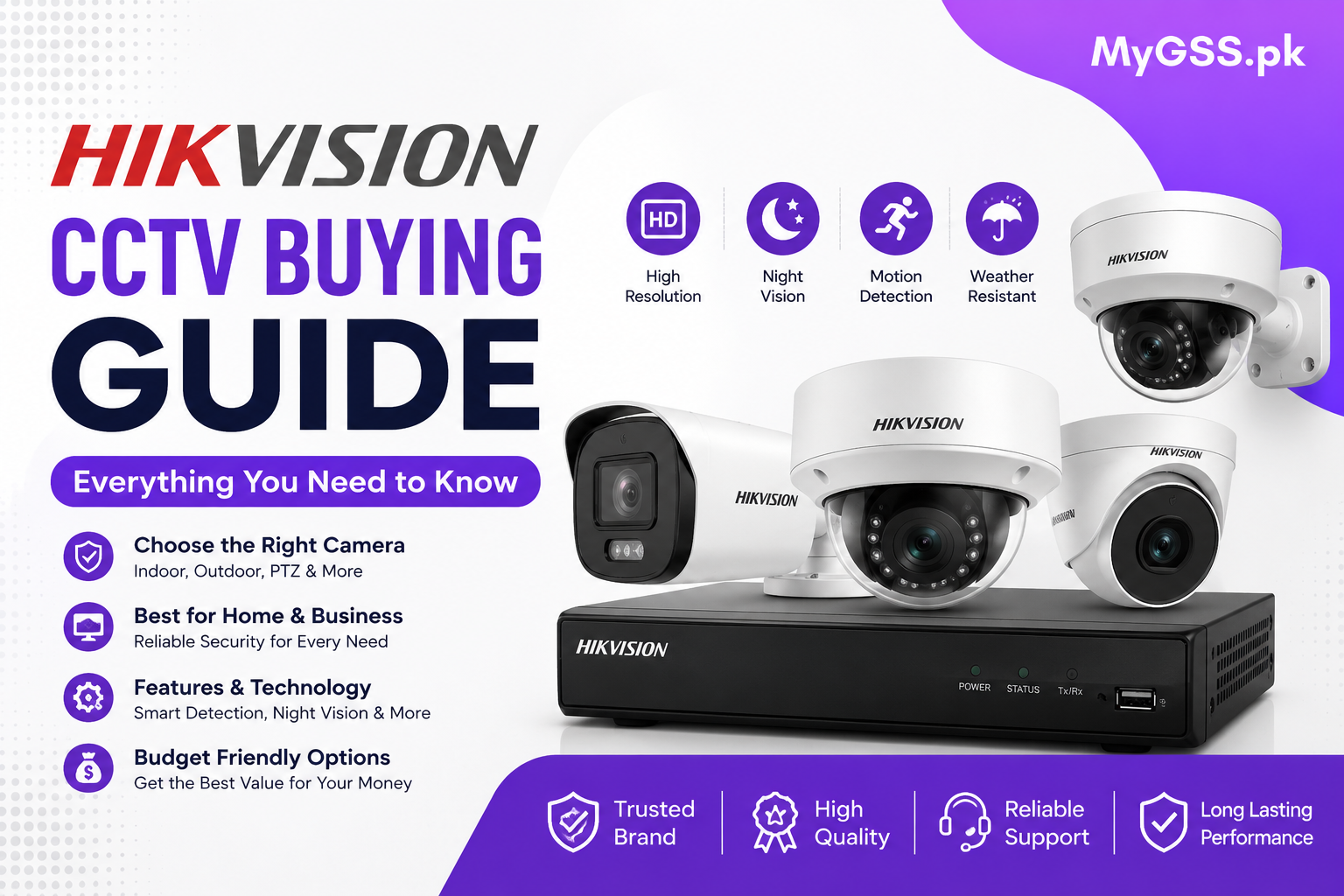
Hikvision is one of the most recognized names in CCTV and video surveillance worldwide, and it’s a common first choice for buyers in Pakistan looking for a reliable cctv camera setup. But “Hikvision” covers a huge range of products — from basic analog kits to advanced AI-powered IP systems — so picking the right one for your property depends on understanding what’s actually available and what you need it for.
This guide breaks down Hikvision’s product range, the features worth paying attention to, and how to choose the right setup for your home or business.
Hikvision built its reputation on a few consistent strengths:
That combination makes Hikvision a practical default for a lot of buyers, whether you’re setting up a single wifi camera at home or a full multi-camera system for a business.
Hikvision’s Turbo HD line uses traditional coaxial cabling and works with a DVR. These are generally the most budget-friendly option and remain popular for straightforward installations where WiFi coverage isn’t a priority — for example, larger properties where running a cable is more reliable than relying on wireless signal throughout.
IP cameras connect over a network (via PoE or WiFi) and pair with an NVR instead of a DVR. They generally offer sharper image quality, easier remote access, and better integration with smart features like motion zones and AI-based detection. This is the more common choice for buyers wanting a modern, app-connected setup.
ColorVU is Hikvision’s line built around full-color night vision, using a wider aperture lens and supplemental lighting to keep footage in color even in low light, rather than switching to black-and-white infrared. This is useful if identifying colors of clothing or vehicles at night matters for your situation, though it typically costs more than standard night-vision models.
AcuSense models use onboard AI to distinguish between actual people or vehicles and other motion (like moving branches, headlights, or animals), which cuts down significantly on false motion alerts. If you’ve been frustrated by a security camera sending constant unnecessary notifications, an AcuSense-enabled model is worth the upgrade.
Pan-tilt-zoom cameras let you remotely move the camera’s field of view and zoom in on specific areas, either manually or on an automated patrol pattern. These are more common in commercial and large-property setups than typical home use, given the higher cost and more involved setup.
Your recorder is just as important as the camera itself. Key things to check when choosing one:
Outdoor cameras need a proper IP-rated weatherproof housing (commonly IP66 or IP67 for Hikvision’s outdoor range). Don’t use an indoor-only camera outside — even under a shaded area, exposure to humidity and temperature swings will shorten its lifespan considerably.
Higher resolution means clearer footage, but also more storage use. For most home and small business use, 2MP to 4MP is generally more than sufficient. Higher resolutions like 4K become more relevant for large properties, parking areas, or businesses that need to identify fine detail (like license plates) at a distance.
Decide upfront whether you’re storing footage locally (SD card or NVR hard drive) or relying on cloud storage through Hik-Connect. Local storage avoids ongoing subscription costs but requires you to manage the hardware; cloud storage is more convenient but usually comes with a recurring fee after a free trial period.
If you’re in an area with frequent loadshedding, consider how your setup handles power cuts. Wired NVR systems typically need a UPS to keep recording during outages, while a 4G camera with solar backup can offer more consistent uptime for standalone units without relying on grid power at all.
Nearly all current Hikvision cameras and NVRs work through the Hik-Connect app, giving you remote live view and playback from your phone. Before buying, confirm the specific model you’re considering is Hik-Connect compatible, since older or region-specific units occasionally use separate software.
Single-room home monitoring A standalone WiFi or IP camera with cloud or SD card storage is usually enough — no NVR required.
Whole-home coverage A small NVR system (4-8 channels) with a mix of AcuSense and ColorVU cameras covers most entry points and outdoor areas effectively.
Small business or shop Focus on continuous recording capability, adequate storage, and coverage of entry points and the cash counter area specifically.
Warehouses or large properties PTZ cameras combined with a higher-channel NVR and wired IP cameras generally offer the most reliable long-term coverage.
Is Hikvision a good brand for home CCTV in Pakistan? Yes. Hikvision is widely used for home security due to its reliable image quality, broad product range, and stable app ecosystem, though it’s worth buying from an authorized dealer to ensure warranty support.
What’s the difference between Hikvision’s Turbo HD and IP camera lines? Turbo HD cameras use coaxial cabling and pair with a DVR, generally at a lower cost. IP cameras connect over a network (PoE or WiFi), pair with an NVR, and typically offer better image quality and smart features, usually at a higher price point.
Do I need a ColorVU camera, or is standard night vision enough? Standard infrared night vision is sufficient for most general monitoring. ColorVU is worth the extra cost specifically if identifying colors — like clothing or vehicle color — at night matters for your use case.
Can Hikvision cameras keep recording during a power cut? Only if the system has battery or UPS backup. A standard wired setup will stop recording during a power cut, so if loadshedding is a concern, look at a solar-backed camera or add a UPS to your NVR setup.
Where can I check current Hikvision pricing in Pakistan? Pricing varies by model and features, so it’s best to check current listings directly. You can compare the full range and cctv cameras price in pakistan on our security cameras category page, or browse dedicated cctv camera for home options suited to residential setups.
Not sure which model fits your property? Our team offers free WhatsApp and phone support to help you compare options before you buy.