Your bag is empty
Don't miss out on great deals! Start shopping or Sign in to view products added.
Shop What's New Sign inDon't miss out on great deals! Start shopping or Sign in to view products added.
Shop What's New Sign in
Don't miss out on great deals! Start shopping or Sign in to view products added.
Shop What's New Sign in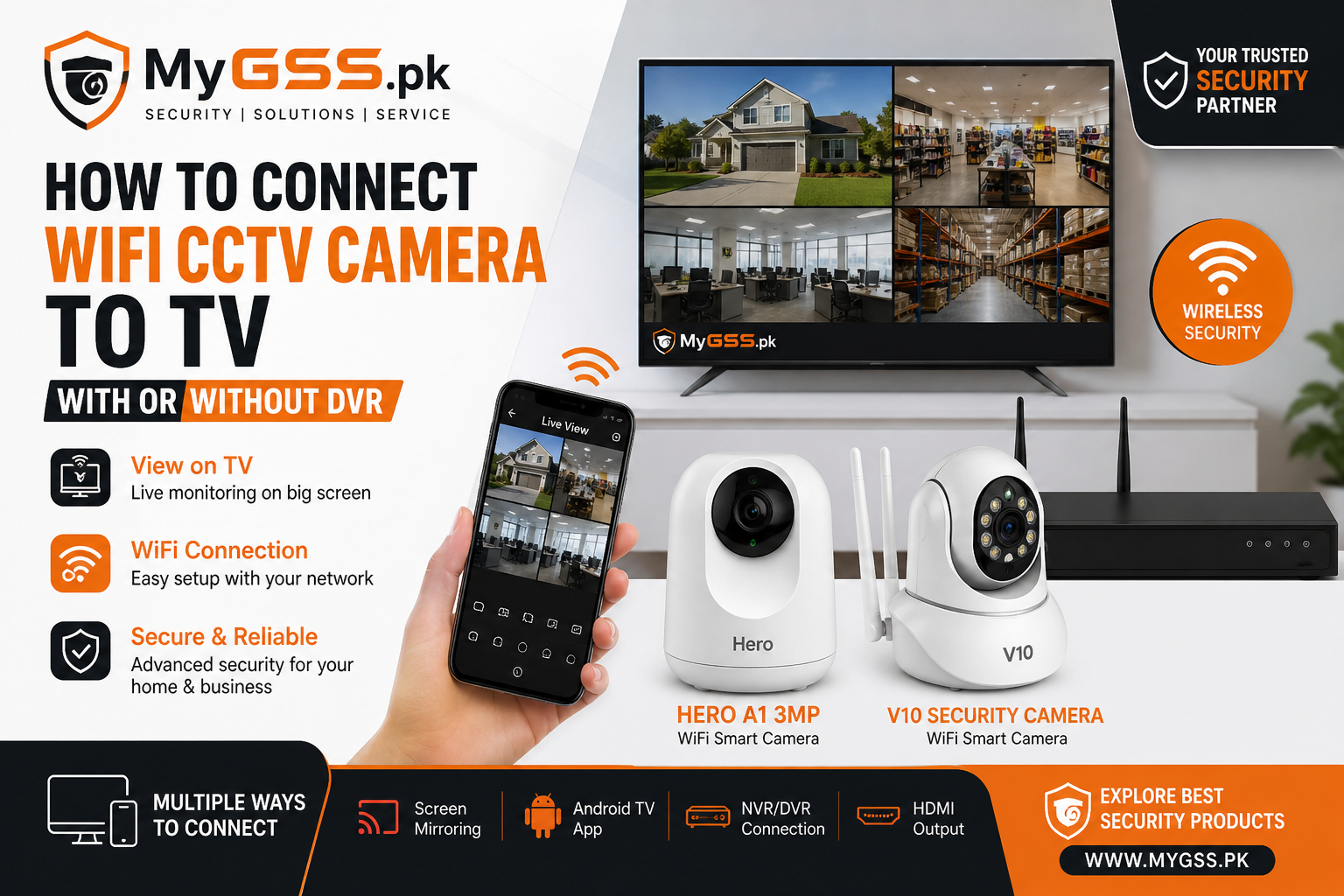
In today’s smart security world, WiFi CCTV cameras are becoming the top choice for homes and businesses in Pakistan. But one common question customers ask is:
👉 “Can I view my WiFi camera directly on my TV?”
The answer is YES — and in multiple ways.
In this guide by MyGSS.pk, we’ll explain simple and practical methods to connect your WiFi CCTV camera to a TV, with or without a DVR/NVR.
If you are using smart WiFi cameras like V380, VStarcam, or Tuya-based cameras, this is the easiest method.
This method works with Smart TVs.
🎯 Your camera feed will appear instantly on your TV.
If your TV supports apps (or you have a Mi Box / Android TV Box):
🎯 Now your TV works like a monitoring screen.
For shops, offices, or multi-camera setups, this is the best option.
🎯 This creates a complete CCTV monitoring system.
You can also use devices like:
👉 This is similar to screen mirroring but more flexible.
✔ Use Android TV method for best performance
✔ Use NVR setup for shops & offices
✔ Ensure strong WiFi signal for smooth streaming
✔ Use dual-band router (2.4GHz + 5GHz) for better results
Looking for reliable WiFi cameras?
👉 Explore our latest collection:
🔗 https://mygss.pk/
We offer:
If you’re not sure which setup is right for you, our team at MyGSS.pk is here to help.
📩 Contact us for expert guidance and best prices in Pakistan.
Don't miss out on great deals! Start shopping or Sign in to view products added.
Shop What's New Sign in