
Your bag is empty
Don't miss out on great deals! Start shopping or Sign in to view products added.
Shop What's New Sign in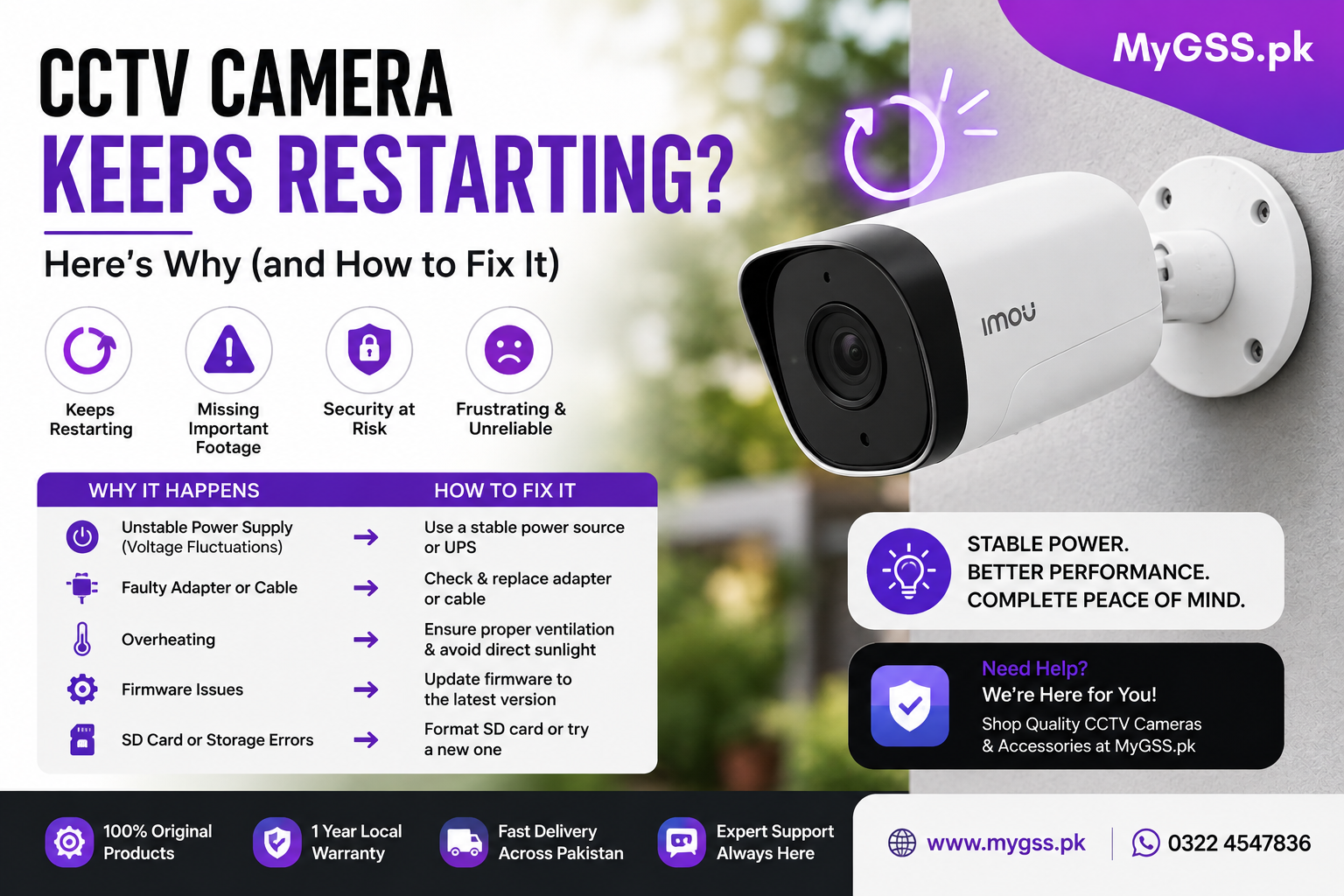
If your CCTV camera keeps restarting on its own, rebooting every few minutes, or getting stuck in a restart loop, you’re not alone — and thankfully, it’s usually fixable. A camera that constantly reboots isn’t just annoying, it also leaves gaps in your footage exactly when you need it most. This guide walks through the most common causes of a CCTV camera restart loop and practical steps to solve it.
There are several common reasons a CCTV camera repeatedly reboots. In most cases, the issue falls into one of these categories:
This is the number one cause of random CCTV reboots. If the camera isn’t getting consistent voltage — due to a weak adapter, a damaged cable, voltage drop over a long cable run, or an overloaded PoE (Power over Ethernet) switch — it can restart repeatedly, especially when it tries to power features like night vision IR LEDs or motorized zoom.
Signs it’s a power issue: the camera restarts more often at night (when IR LEDs draw extra power) or when multiple cameras share the same power source.
Cameras installed in direct sunlight, poorly ventilated housings, or hot climates can overheat and trigger an automatic safety restart. Dust buildup inside the unit can make this worse by trapping heat.
Outdated or corrupted firmware is a frequent cause of instability, including random reboots, freezing, or crashing. Manufacturers regularly release firmware updates specifically to fix these kinds of bugs.
A failing, corrupted, or full microSD card can cause some cameras to crash and restart repeatedly, especially models that continuously write footage to local storage.
If the camera is losing connection to its NVR (Network Video Recorder), DVR, or Wi-Fi network, some models are designed to automatically restart in an attempt to reconnect — creating a repeating cycle if the underlying connection problem isn’t fixed.
Less commonly, a restart loop points to a hardware fault — a failing power circuit board, damaged capacitor, or manufacturing defect — particularly if the camera is older or was exposed to moisture or power surges.
If the problem persists, a factory reset can clear corrupted settings or software glitches. After resetting, reconfigure the camera from scratch rather than restoring an old backup, which could reintroduce the same issue.
If none of the above resolves the restarting issue, the camera may have a hardware fault. Contact the manufacturer’s support team, especially if it’s still under warranty, or consider replacing the unit if it’s older and repair costs aren’t worthwhile.
A CCTV camera that keeps restarting is almost always traced back to power problems, overheating, outdated firmware, or storage issues — all of which are fixable without replacing the camera. Working through the troubleshooting steps above in order, starting with power supply and firmware, resolves the majority of restart loops. If the issue continues after trying everything, it’s likely a hardware fault best handled through manufacturer support or a replacement.